
Microsoft Entra Domain Services | 7.2 Gruppe für TimeSafe Benutzer erstellen
- Thomas Schmid

- vor 2 Stunden
- 1 Min. Lesezeit
Fenster "Active groups - Microsoft 365 admin center"
Menü "Teams & groups" >
Menü "Active teams & groups"
Register "Security groups" >
+Add a security group >

Fenster "Set up the basics"
Eingabe Name G_TimeSafe Users
Next >

Fenster "Edit settings"
Abschnitt "Role assignment"
[ ] Azure AD roles can be assigned to the group
Next >

Fenster "Review and finish adding group"
Create group >

Fenster "G_Timesafe Users group created"
Close >
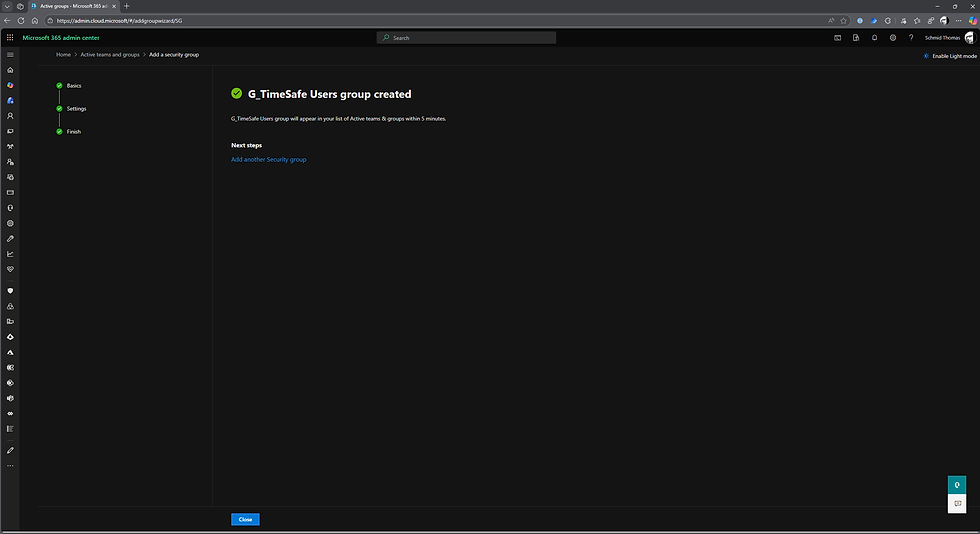
Die Gruppe wurde erstellt.

Kommentare